"Move everything to the cloud" is bad advice. "Never move to the cloud" is also bad advice. The right answer for most South African businesses is somewhere in the middle — and it depends entirely on what you're running, who needs access, and what your connectivity looks like.
What belongs in the cloud
Some workloads are natural cloud candidates:
Email and productivity:: Microsoft 365 or Google Workspace. This isn't even a debate anymore — on-prem Exchange is more expensive, less reliable, and harder to secure.
Customer-facing web applications:: If your clients access it from anywhere, host it where they can reach it. Cloud providers offer geographic distribution, automatic scaling, and DDoS protection that you can't replicate on-prem for the same cost.
Backup and disaster recovery:: The cloud is the ideal off-site backup target. It's geographically separate, pay-per-use, and eliminates the need to manage tape drives or rotate external disks.
Development and test environments:: Spin them up when you need them, tear them down when you're done. No idle hardware.
What belongs on-premises (or hybrid)
Not everything benefits from a cloud migration:
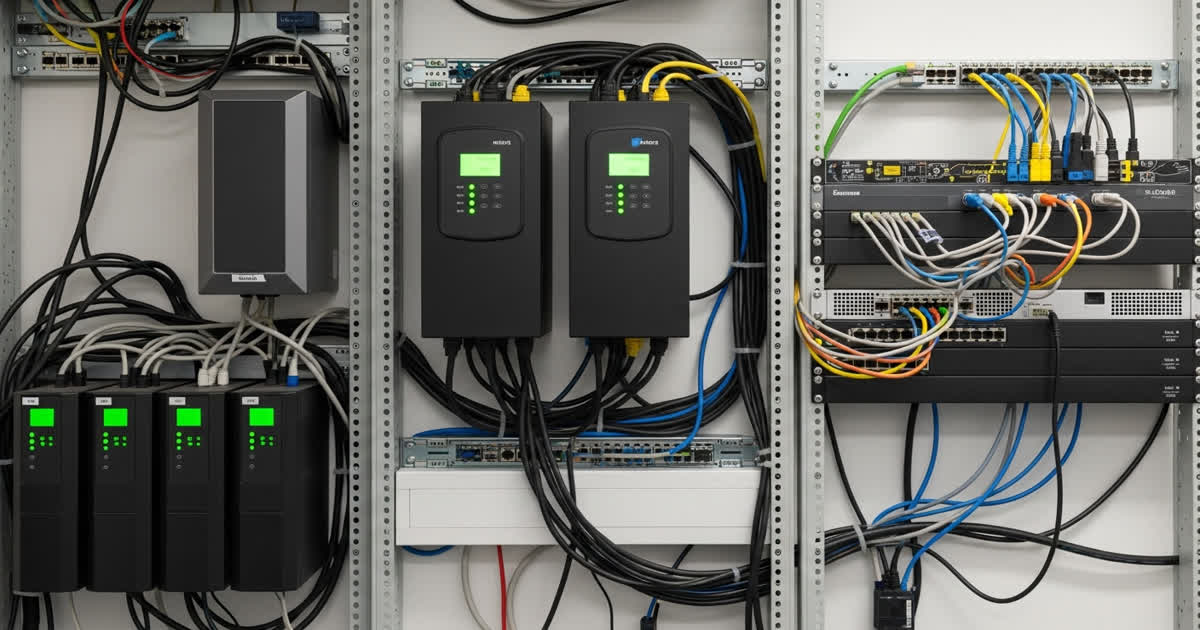
Legacy line-of-business applications:: The veterinary practice management system running on a 15-year-old SQL Server database? Leave it where it is unless you're also replacing the software. Lift-and-shift migrations of legacy apps rarely deliver value.
Latency-sensitive systems:: If you're running factory floor equipment, building management systems, or real-time IoT monitoring, the round-trip to the cloud may introduce unacceptable latency. Keep the processing local.
Large, stable file servers:: If you have 20TB of CAD files accessed by 15 engineers in one office, moving that to the cloud probably costs more than it saves. A local NAS with cloud backup is often the right answer.
Compliance-bound data:: Some regulated data must stay in-country or on-premises. Know your obligations before migrating.
The SA connectivity factor
South African internet is better than it was five years ago — but it's not Europe. Before migrating a critical workload:
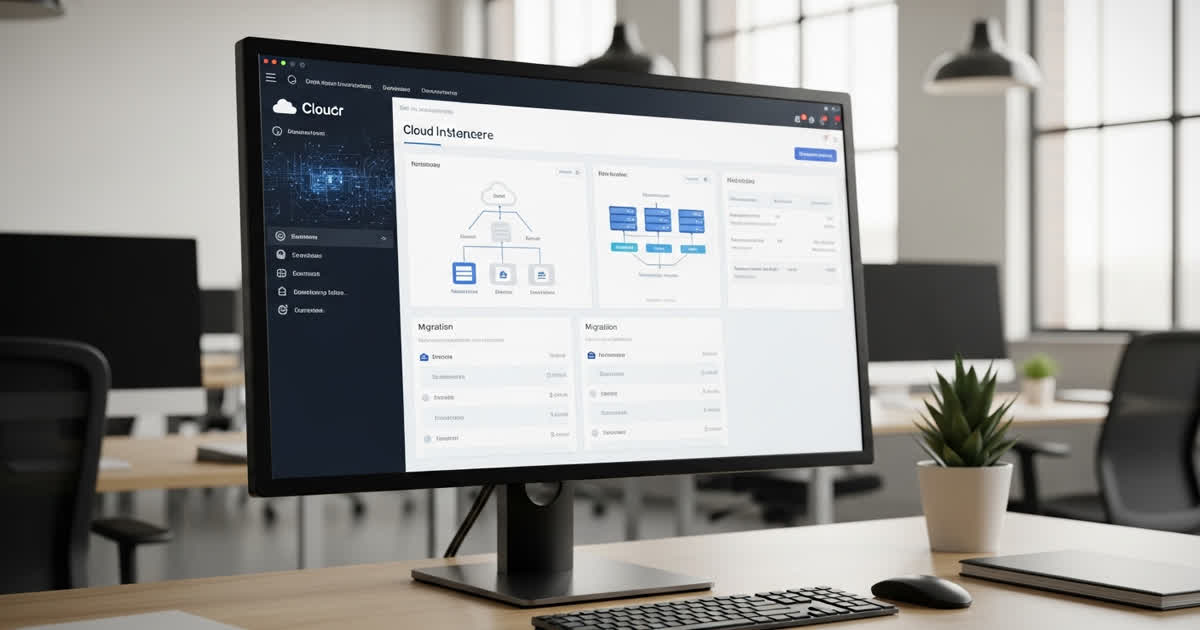
How to migrate (the right way)
The cost conversation
Cloud isn't automatically cheaper. For predictable, stable workloads, on-premises hardware amortised over 3–5 years often costs less. The cloud wins on flexibility, scalability, and eliminating capital expenditure. The real savings usually come from reduced downtime, better disaster recovery, and fewer in-house infrastructure management hours — not from the hosting bill.
For most SA SMBs, the sweet spot is hybrid: critical productivity in the cloud, stable workloads on-prem, and everything backed up to the cloud.